

Description
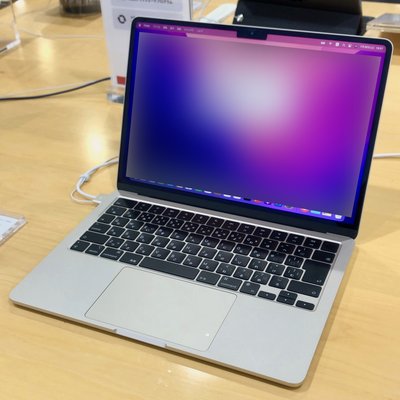
The Alt key Alt (pronounced AWLT or ULT ) on a computer keyboard
is used to change (alternate) the function of other pressed keys. Thus, the
Alt key is a modifier key, used in a similar fashion to the Shift key. For
example, simply pressing A will type the letter 'a', but holding down the
Alt key while pressing A will cause the computer to perform an Alt+A
function, which varies from program to program. The international standard
ISO/IEC 9995-2 calls it Alternate key. The key is located on either side of
the space bar, but in non-US PC keyboard layouts, rather than a second Alt
key, there is an 'Alt Gr' key to the right of the space bar. Both placements
are in accordance with ISO/IEC 9995-2. With some keyboard mappings (such as
US-International), the right Alt key can be reconfigured to function as an
AltGr key although not engraved as such.
The standardized keyboard symbol for the Alt key, ⎇ (which may be used when
the usual Latin lettering "Alt" is not preferred for labeling the key) is
given in ISO/IEC 9995-7 as symbol 25, and in ISO 7000 "Graphical symbols for
use on equipment" as symbol ISO-7000-2105. This symbol is encoded in Unicode
as U+2387 ⎇ ALTERNATIVE KEY SYMBOL. Macintosh keyboards equate the Alt key
with the ⌥ Option key, which has its own symbol, similar to that of the ISO
standard.
The Alt key should not be confused with the Altmode key (sometimes also labelled Alt) on some Teletype and ASCII terminals, which is a synonym for the ASCII escape character.
Alt Key News
Collections
No collections available for this topic.